

Garage Door Opens by Itself? Causes and Fixes
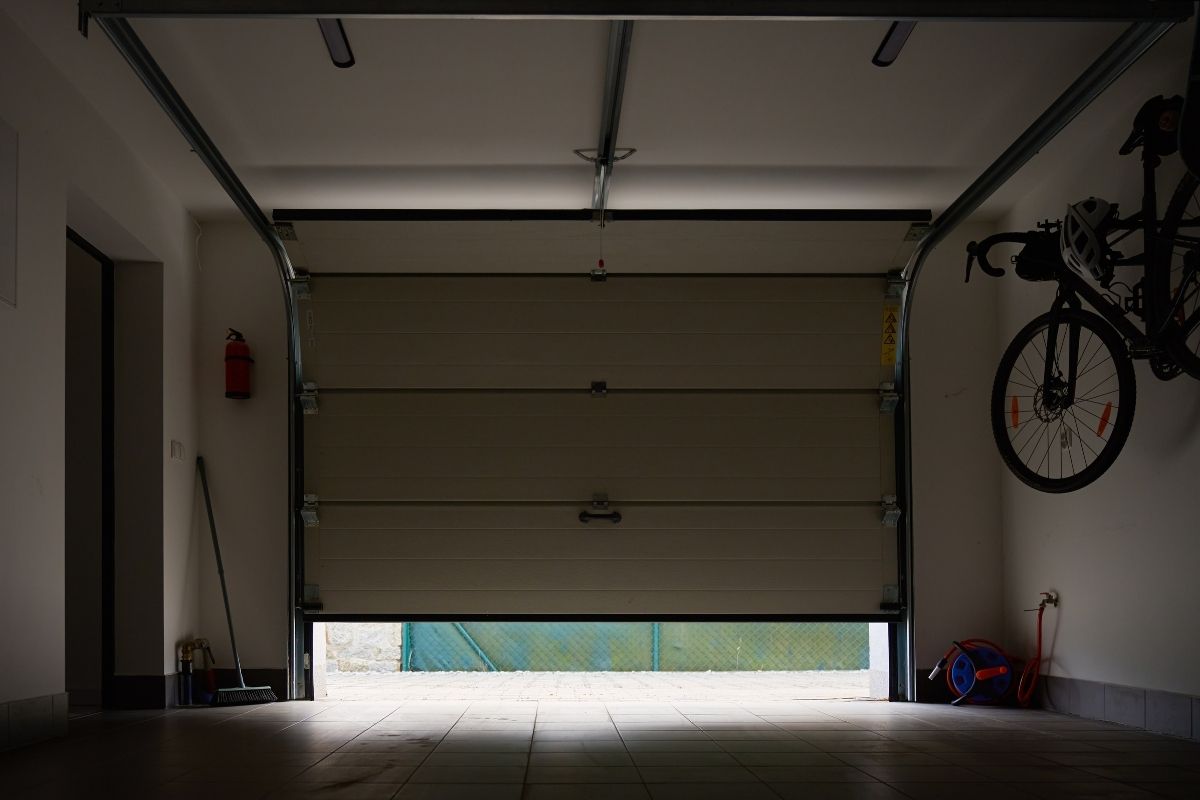
If your garage door opens by itself, first determine exactly what happened. A door that was fully closed and later opened without anyone intentionally operating it is different from a door that starts closing and then reverses.
For Calgary homeowners, the immediate priorities are to secure the garage, identify whether a remote or other control sent the command, and avoid opening the garage door opener housing to investigate electrical parts.
Key Takeaways
- A stuck remote or wall-control button can cause a garage door opener to activate unexpectedly.
- If the door starts closing and then reverses, investigate it as a closing/reversal problem rather than assuming someone else’s remote opened it.
- Temporarily removing batteries from handheld remotes can help isolate a remote-control problem.
- Smart-opener users should check available activity history, authorized users and connected devices.
- If the garage door continues moving without an identifiable command, the opener or control system may need professional diagnosis.
Did the Garage Door Actually Open by Itself?
Before troubleshooting individual parts, identify the movement you saw.
There are two different situations that homeowners commonly describe as a garage door opening on its own.
| What Happened | What to Investigate First |
|---|---|
| Door was fully closed and later opened | Remotes, keypad, vehicle controls, wall control, smart access or opener/control fault |
| Door starts closing and then reverses upward | Obstruction, safety-reversal system or another closing problem |
| Door repeatedly opens and closes without an intentional command | External controls, wall-control circuit or opener electronics |
| App says the door opened, but you did not see it move | Check physical door position and app/activity information first |
This distinction matters because a closing door that reverses is not necessarily receiving an unexplained “open” command.
If your problem is that the door simply refuses to open when commanded, that is a different symptom and is better covered in our garage door not opening troubleshooting guide.
Why Does a Garage Door Open on Its Own?
A garage door opener can receive commands from several places: handheld remotes, a wireless keypad, vehicle controls, a wall-mounted control and, on compatible systems, connected smart controls.
The problem can therefore be outside the opener itself.
Start with the controls that are easiest to inspect and isolate before assuming an internal opener component has failed.
1. Check for a Stuck Garage Door Remote Button
A stuck or continuously pressed remote button is one of the first things worth checking.
Genie’s current troubleshooting information lists a stuck wall-control or remote button as a possible reason an opener starts without an intended command.
Look at every garage door remote used by the household, including remotes:
- kept inside vehicles;
- carried in bags or pockets;
- stored in drawers;
- used by another family member; or
- left where another object could press against the button.
Check whether a button feels stuck, damaged or different from the others.
Remove the Remote Batteries as a Simple Test
If the garage door opens randomly, temporarily remove the batteries from the handheld remotes you control.
Then monitor the door.
If the unexplained operation stops, introduce the remotes back into use individually. This can help narrow down which control may be involved without opening or repairing the remote itself.
If the door continues operating after the handheld remotes are taken out of use, move to the next possible command source.
2. Check the Wireless Keypad and Vehicle Controls
A wireless keypad is another external control that can send commands to the opener.
Check whether any keypad button appears stuck or physically damaged.
Also consider controls integrated into household vehicles, such as compatible HomeLink systems. If several family members have garage access programmed into different vehicles or remotes, make a simple list of every control before troubleshooting further.
This prevents an easily forgotten transmitter from being overlooked.
If you later need to clear and reprogram authorised controls, use the instructions for your specific garage door opener. Programming and memory-erasing procedures vary by manufacturer and model.
Our separate garage door opener programming article covers that process in more detail.
3. Could Another Garage Door Remote Be Opening Your Door?
Homeowners sometimes suspect a neighbour’s remote when a garage door opens by itself in the middle of night.
That possibility needs context.
Older garage door opener systems may use technology different from current rolling-code systems, so shared or duplicate-code concerns depend on the opener and receiver technology involved.
Do not assume that any nearby garage door remote can operate your opener simply because both systems use wireless controls.
If you have an older opener and suspect unintended remote access, identify the opener model and check its manufacturer documentation before changing codes or settings.
If a remote has actually been lost or stolen, treat that as a separate access-security issue. Our lost or stolen garage door remote article explains how to deal with compromised remote access without mixing it into general troubleshooting.
4. Check the Wall Control
The wall-mounted garage door control can also be involved in unexplained operation.
First inspect it externally.
Look for:
- a button that appears stuck;
- visible physical damage;
- a control that behaves inconsistently when pressed; or
- obvious damage around accessible wiring.
Do not remove electrical covers or dismantle the opener.
Genie’s manufacturer troubleshooting information specifically identifies a short in the wall button or its wiring as a possible cause of what it calls “phantom operations.”
However, wall-control wiring arrangements vary between opener systems. Do not disconnect wiring based on generic internet instructions. Use the troubleshooting procedure for your exact opener model or have the control circuit professionally checked.
5. Check Smart Garage Door Activity
If you use a smart garage door opener or connected controller, there is another source of information available before assuming the opener has failed.
Check your system for:
- recent garage-door activity;
- connected devices;
- authorized users;
- shared access; and
- available notifications.
LiftMaster states that its myQ system provides Access History showing which device opened the garage and when.
That can be particularly useful when a garage door opens on its own while nobody appears to be near it.
For example, if activity history identifies a known device at the same time the door opened, you have a useful lead to investigate.
If the history does not explain the movement, continue troubleshooting rather than assuming the app itself caused it.
What If the App Says the Garage Door Opened but the Door Did Not Move?
A notification and actual garage-door movement are not always the same problem.
If you receive an unexpected smart-opener alert, physically confirm the door’s position from a safe location.
Chamberlain has specific troubleshooting for false myQ open/close notifications. For myQ Garage, Smart Garage Hub and Smart Garage Control systems, Chamberlain notes that a door-sensor problem or low sensor battery can result in false alerts or an incorrect door status in the app.
So ask:
Did the physical garage door actually open, or did the app only report that it opened?
If the door stayed closed, troubleshoot the connected monitoring system rather than treating the event as unexplained physical operation.
Can a Smart Opener Schedule Make the Garage Door Open?
Be careful with this explanation because smart-opener features vary.
For myQ specifically, current Chamberlain schedule information describes garage-door schedules in terms of closing an open door. It does not support treating a scheduled automatic opening as the default explanation for an unexpected opening.
Instead, check actual activity history, connected devices, authorized users and the settings available for your particular opener or smart controller.
Do not assume every smart garage system behaves the same way.
What If the Garage Door Closes and Then Opens Again?
This deserves its own troubleshooting path.
If you intentionally press Close, the door travels downward and then reverses upward, that is different from a fully closed garage door opening and closing on its own.
Check first for an obstruction in the door’s path and observe the safety-sensor area without moving or bypassing safety equipment.
Safety sensors are designed to help prevent a powered garage door from closing onto an obstruction. Chamberlain’s troubleshooting material similarly directs users toward obstructions or sensor alignment when resolving closing errors.
Do not bypass, disable or reposition safety equipment simply to make the door close.
If the door repeatedly reverses with a clear path, the closing system needs further troubleshooting.
Could the Garage Door Opener Itself Be Faulty?
Yes, but an internal opener fault should come later in the troubleshooting process.
If you have reasonably ruled out accessible controls and the door still activates unexpectedly, a problem involving the opener’s control system or electronics becomes more relevant.
Signs that further diagnosis makes sense include:
- unexpected operation continues with handheld remotes removed from use;
- no stuck external control is apparent;
- smart-access history does not identify an expected command;
- wall-control behaviour appears abnormal; or
- the opener behaves inconsistently without an obvious external cause.
These observations do not prove that the logic board is faulty.
Avoid opening the motor housing or attempting to test internal electrical components yourself. A garage door opener technician can determine whether the problem is in an external control, wiring, receiver or opener electronics.
What Should You Do If the Garage Door Opens by Itself at Night?
If a garage door opens by itself in the middle of night, treat the security issue separately from the mechanical diagnosis.
First confirm that everyone is clear of the door and close it only if it is operating normally and can be closed safely.
Then:
- Check whether a household member operated the door.
- Inspect handheld remotes for stuck buttons.
- Check keypad and vehicle controls.
- Review smart-opener activity history if available.
- Confirm that all garage remotes are accounted for.
- If a remote is missing, address it as a lost-access issue rather than continuing normal troubleshooting.
- If the door continues operating without an identifiable command, arrange opener diagnosis.
Also secure the normal access between the garage and the home while the cause remains unresolved.
Do not stand underneath a garage door that is moving unpredictably.
Should You Reset the Garage Door Opener?
Resetting or clearing programmed devices can be useful in certain situations, particularly if a remote is missing or unauthorized access is suspected.
It should not automatically be the first response every time a garage door opens randomly.
Clearing opener memory can remove authorised controls as well, depending on the system, meaning household remotes, keypads or vehicle controls may need to be programmed again.
First determine whether a specific remote, keypad or connected control appears to be responsible.
If clearing and reprogramming access becomes appropriate, follow the manufacturer instructions for your exact opener rather than using a universal reset procedure.
When Should You Call for Garage Door Opener Repair?
Consider professional opener diagnosis when:
- the garage door continues opening without an identifiable command;
- external remotes have been ruled out;
- the wall control or its wiring appears faulty;
- unexplained operation continues after appropriate manufacturer troubleshooting;
- the opener behaves unpredictably;
- you suspect a receiver or logic-board problem; or
- troubleshooting would require opening the motor housing or working with wiring you cannot safely identify.
Active Overhead Doors provides garage door opener repair in Calgary for opener and control problems that cannot be resolved through safe external checks.
If the existing opener is no longer suitable and you are considering a different system rather than repairing it, review garage door opener sales and installation options separately.
Frequently Asked Questions
Why does my garage door open by itself?
Possible causes include a stuck remote or wall-control button, another programmed control, wall-control wiring problems, connected smart controls or an opener/control-system fault. First confirm whether the door truly opened from a closed position or closed and then reversed.
Why does my garage door open by itself in the middle of night?
The time of day does not by itself identify the cause. Check household remotes, keypads, vehicle controls and smart-access history where available. If the door physically opened and no authorised command can be identified, continue isolating external controls and consider professional opener diagnosis.
Can my neighbour’s remote open my garage door?
It should not be assumed that a nearby remote can operate your opener. Compatibility and code behaviour depend on the opener’s technology, and older systems may work differently from modern rolling-code systems. Identify your opener model before treating another remote as the cause.
Why is my garage door opening and closing on its own?
First determine whether it is receiving unexplained commands or reversing while trying to close. A close-then-reverse problem points toward a different troubleshooting path than a fully closed door that unexpectedly opens.
What should I do if my garage door opens randomly?
Start with external controls. Check remotes for stuck buttons, temporarily remove their batteries, inspect the keypad and wall control, and review smart-opener activity if your system provides it. If unexplained operation continues, have the opener and control system diagnosed.
Should I reset my opener if the garage door opens on its own?
Not necessarily. First try to identify the source of the unexpected command. If remote access may be compromised or the manufacturer recommends clearing programmed devices, follow the reset procedure for your specific opener model.
Is it safe to inspect the garage door opener myself?
External controls and visible settings can be checked without dismantling the opener. Do not remove the opener housing to investigate the receiver, logic board or internal electrical components. If troubleshooting reaches those components, professional diagnosis is the safer next step.